
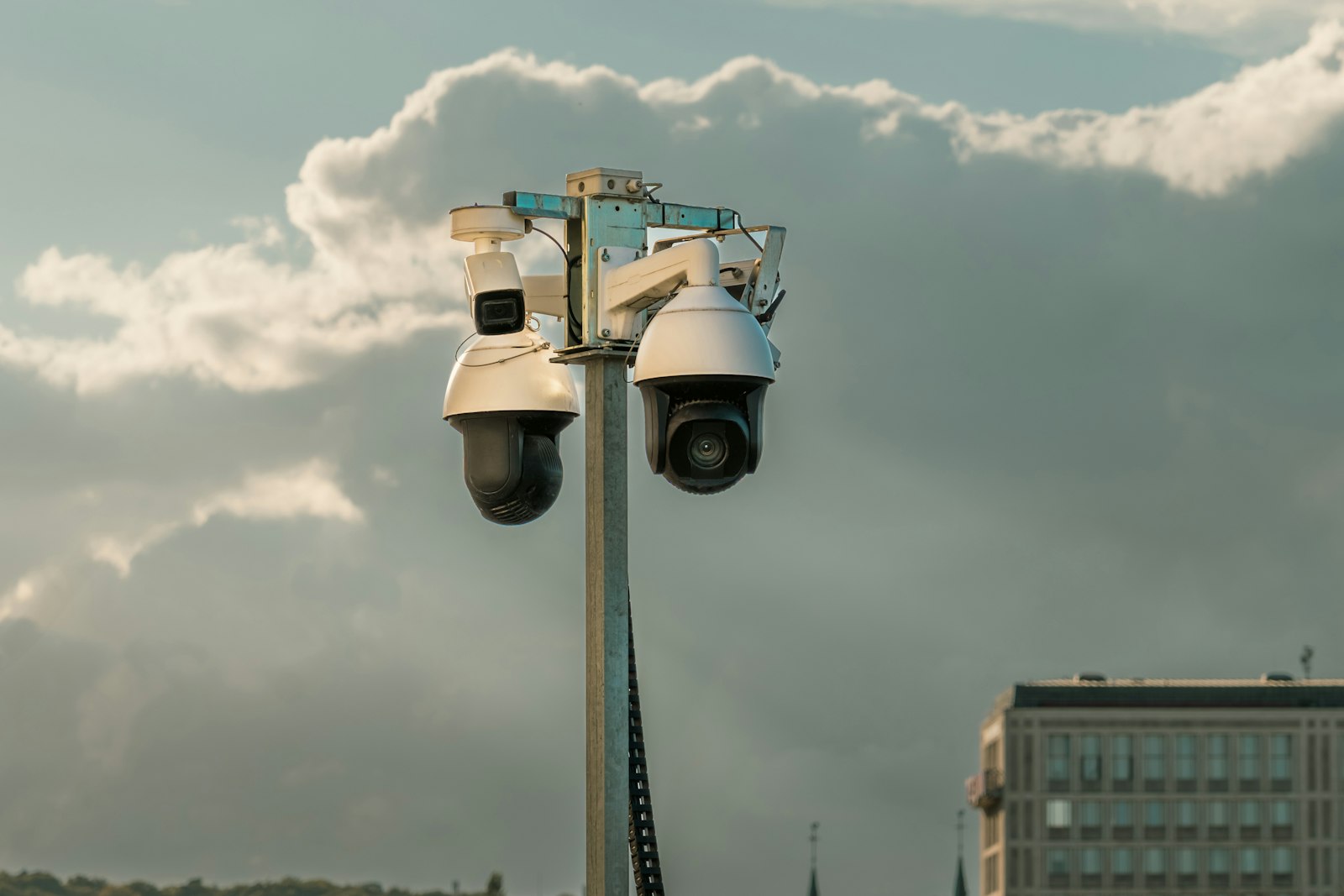
CCTV Installation in Indore: 2026 Buyer’s Guide for Businesses

Planning CCTV installation in Indore for an office, factory, warehouse, hospital or housing society? The cameras are the easy part. What decides whether the system actually helps you on the day something goes wrong is everything around them: where each camera points, how long footage is kept, how the network carries the video, who can see it, and who maintains it after handover. This guide walks through those decisions in the order a good integrator would, so you can brief vendors clearly and compare quotes on equal terms.
Start with the purpose, not the camera count
“We need 32 cameras” is a common opening line, but it is the wrong starting point. Before anyone counts cameras, write down what you need the system to do. Typical goals for Indore businesses are:
- Identify people at entrances, cash counters and reception, which needs a close, well-lit face view.
- Read number plates at gates and parking ramps, which needs a dedicated ANPR camera angle.
- Observe activity on shop floors, loading bays and corridors, where a wider view is fine.
- Protect the perimeter of plants and warehouses at night, often with IR or colour-at-night cameras and intrusion alerts.
- Prove compliance for audits, insurance claims or customer requirements, which mostly comes down to retention period and footage integrity.
Each goal sets a different requirement for resolution, lens and mounting height. A camera placed for “observation” will rarely give you a usable face or number plate, which is why so many systems disappoint when footage is finally needed.
Do a proper site survey first
A walk-through survey is the single most valuable step in any CCTV project. A good survey records each camera location with its purpose, the field of view required, lighting by day and at night, mounting surface and height, cable route back to the rack, and the power source. It also flags practical issues early: glare from glass doors, backlight at entrances, dust in production areas, rain exposure for outdoor cameras and how far each location is from the nearest network switch.
Ask every vendor for a written survey with a camera schedule. If two quotes are built from different camera schedules, they cannot be compared on price alone.
IP or analog (HD) cameras?
For most new business installations, IP cameras are the better long-term choice. They carry video and power over a single network cable (PoE), support higher resolutions, integrate with access control and analytics, and can be managed remotely. HD analog cameras still make sense for small sites on a tight budget, or where existing coaxial cabling is in good condition and only the cameras and recorder are being replaced.
| Factor | IP cameras + NVR | HD analog + DVR |
|---|---|---|
| Image quality | Higher resolutions, better digital zoom | Good for basic observation |
| Cabling | Single Cat6 cable with PoE | Coax plus separate power |
| Analytics & integration | ANPR, face, intrusion, access control | Limited |
| Remote management | Native, centrally managed | Basic app viewing |
| Best for | Offices, plants, hospitals, campuses | Small shops, upgrades on old cabling |
Choosing cameras: resolution, lens and night performance
Higher megapixels help only when the lens and placement are right. A 4 MP camera with a suitable lens at an entrance will usually identify faces better than an 8 MP wide-angle camera mounted high on a far wall. Match each camera to its job:
- Fixed dome cameras for indoor corridors, offices and reception areas.
- Bullet cameras for outdoor walls, parking and perimeters, with an IP66 or better rating for Indore’s monsoon.
- Varifocal or motorised-zoom lenses where the exact framing matters, such as gates and counters.
- PTZ cameras for large open yards where an operator actively monitors and zooms.
- WDR (wide dynamic range) at glass entrances and loading bays facing daylight.
- IR or colour-at-night models for areas that are dark after hours.
At Fluke Infotech we design with established OEMs such as CP Plus, Prama Hikvision, Honeywell, Matrix and Bosch, and choose the model per location rather than using one camera everywhere. You can see our full approach on the CCTV & IP video surveillance page.
Recording and storage: plan retention before you buy disks
Storage is where many quotes quietly cut corners. Decide first how many days of footage you must keep. Many businesses aim for 30 days; banks, hospitals, and some audited or regulated sites may need longer. Required storage then depends on the number of cameras, resolution, frame rate, compression (H.265 uses noticeably less space than H.264), and whether you record continuously or on motion.
- Use surveillance-grade hard disks designed for 24×7 writing, not desktop drives.
- For larger sites, use RAID on the NVR or a separate storage server so one failed disk does not lose footage.
- Keep the NVR in a locked rack with UPS backup, so a power cut or a visitor cannot stop recording.
- Ask the vendor to show the storage calculation behind the number of disks quoted.
The network matters as much as the cameras
IP cameras are network devices, so the cabling and switching behind them decide reliability. Good practice includes Cat6 cabling with proper termination and labelling, PoE switches sized for the total camera power budget, a separate VLAN for CCTV so video traffic does not slow down business systems, and fibre for runs longer than copper supports. These are the same ELV and smart building standards we apply to access control, fire alarm and building automation systems, so everything can share one well-planned backbone.
Cyber security: lock down the system
An unsecured camera or recorder is an open door into your network. Insist on these basics at handover:
- Default passwords changed on every camera and recorder, with individual user accounts for staff.
- Firmware updated to the latest stable version, with a plan for future updates.
- No direct port forwarding from the internet. Use the OEM’s secure cloud service or a VPN for remote viewing.
- CCTV on its own VLAN, with firewall rules that limit what it can reach.
- Time synchronisation (NTP) so recorded timestamps hold up as evidence.
Add intelligence where it pays off
Video analytics turns recorded footage into alerts and searchable events. Useful examples include ANPR at gates to log vehicles automatically, line-crossing and intrusion alerts on perimeters after hours, people counting in retail, and fast search by time, object or colour when investigating an incident. Platforms such as Milestone and Videonetics, along with analytics built into modern cameras, make this practical. Read more on our AI video analytics and ANPR page.
Installation and handover checklist
- Camera schedule signed off: location, purpose, model and field of view.
- Every camera’s final view checked by day and at night, with screenshots recorded.
- Cables labelled at both ends, with a network diagram and IP address list.
- Retention confirmed: footage from day one still available on the agreed final day.
- User accounts created with the right permissions; admin credentials handed over securely.
- Mobile viewing tested, and staff trained on playback and exporting clips.
- Warranty details and an AMC (annual maintenance contract) agreed in writing.
Why maintenance (AMC) is not optional
Cameras get dusty, get knocked out of position, lose power after electrical work, and disks wear out. Without regular checks, faults are usually discovered only when someone asks for footage that was never recorded. A good AMC includes periodic health checks of every camera and disk, lens cleaning, firmware updates, recording verification and a defined response time for breakdowns.
Frequently asked questions
How many CCTV cameras does my business need?
It depends on the purpose of each area, not the floor area alone. Entrances, exits, cash points, stores and perimeters usually come first. A site survey produces a camera schedule that justifies each camera.
Can I view my cameras on my phone?
Yes. Most modern systems support secure mobile viewing through the OEM’s app. It should be set up without opening ports directly to the internet.
Can you upgrade an existing analog system?
Often, yes. If the coaxial cabling is in good condition, you can replace cameras and the DVR with HD analog models, or move gradually to IP using hybrid recorders.
Do you also install access control and fire alarm systems?
Yes. Fluke Infotech designs and installs access control and biometrics, fire alarm, intercom and building management systems, and can integrate them with CCTV.
Do you work outside Indore?
Yes. Our head office is in Indore and we deliver and support projects across Madhya Pradesh and PAN India through our local teams.
Talk to Fluke Infotech about your CCTV project
Fluke Infotech is an IT and ELV system integrator with more than 13 years of experience delivering surveillance, networking and security projects. Every project starts with a site survey and a clear camera schedule, so you know exactly what you are paying for. Call +91-9966994420, email Sales@flukeinfotech.com, or visit us at 205, Orange Business Park, Bhavarkuva, Indore 452014, MP.


